A password manager securely stores and generates strong passwords, helping protect your online accounts from hacking, phishing, and password reuse risks.
Introduction
In today’s digital world, most people manage dozens of online accounts for banking, shopping, social media, email, streaming services, and work-related platforms. Remembering a unique and secure password for every account can quickly become overwhelming. As a result, many people reuse the same password across multiple websites, creating a major cybersecurity risk.
If a hacker steals one reused password through a data breach, phishing scam, or malware attack, all accounts using the same password could become compromised. This is why cybersecurity experts strongly recommend using a password manager.
A password manager helps you securely store, organize, and generate strong passwords without needing to memorize them individually. In this article, you will learn what a password manager is, why people use it, its advantages and risks, the different types available, and how to choose the best password manager for your needs.
Password Managers Explained
What is a password manager?
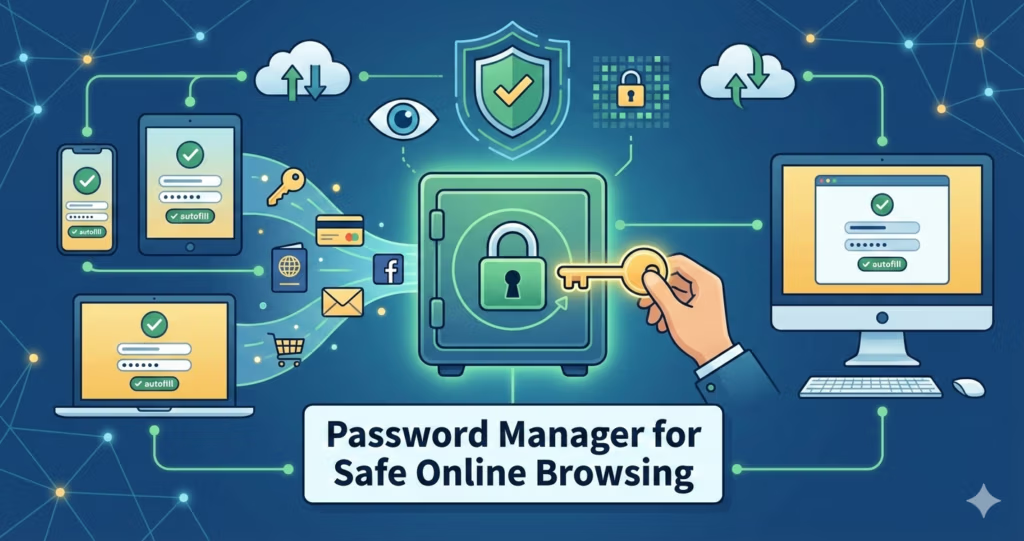
A password manager is a secure application that stores, encrypts, and autofills your login credentials so you only need to remember one master password.
Why should you use a password manager?
You should use a password manager because it creates strong unique passwords, prevents password reuse, improves online security, and makes logging in faster and easier.
Are password managers safe?
Yes. Reputable password managers use strong encryption such as AES-256 and often include additional protections like Two-Factor Authentication (2FA) and zero-knowledge security architecture.
What are the different types of password managers?
The main types are browser-based password managers, cloud-based password managers, and desktop-based (local) password managers.
What is the biggest risk of using a password manager?
The biggest risk is having a weak master password. If attackers gain access to your master password, they may be able to access your stored credentials.
What is a Password Manager?
A password manager is a software application that securely stores your login credentials, including usernames and passwords, in an encrypted digital vault. Instead of remembering dozens of passwords, you only need to remember one master password to access the vault.
Most reputable password managers use AES-256 encryption, which is widely considered one of the strongest encryption standards used by governments, financial institutions, and cybersecurity organizations to protect sensitive information.
In addition to securely storing passwords, many password managers can:
- Generate strong and unique passwords
- Automatically fill login forms
- Sync credentials across multiple devices
- Alert users about data breaches
- Store sensitive information such as credit card details and secure notes
Using a password manager significantly improves both convenience and online security.
Why Are People Using Password Managers?
There are many reasons why password managers have become increasingly popular.
Convenience and Time Savings
One of the biggest advantages of a password manager is convenience. Instead of memorizing multiple complex passwords, users only need to remember a single master password.
Most password managers also include an autofill feature that automatically recognizes websites and fills in login credentials securely. This saves time and reduces frustration during everyday browsing.
Additionally, many password managers sync across multiple devices, including smartphones, tablets, laptops, and desktop computers. They also work across different browsers such as Chrome, Safari, Edge, and Firefox.
Stronger Password Security
Many people create weak or predictable passwords because they are easier to remember. Unfortunately, weak passwords are easier for hackers to guess or crack using automated tools.
Password managers can generate long, random, and highly secure passwords that are much more difficult to crack. They also encourage users to use a different password for every account, reducing the impact of a potential data breach.
Zero-Knowledge Security Architecture
Many reputable password managers use a zero-knowledge architecture. This means your data is encrypted on your device before it reaches the provider’s servers.
As a result, the password manager company cannot see or access your passwords because only you possess the master password needed to decrypt the data.
This provides an additional layer of privacy and security.
Protection Against Phishing and Data Breaches
Some password managers include dark web monitoring features that alert users if their credentials appear in known data breaches.
Password managers can also help reduce phishing risks. Many autofill systems only work on recognized and legitimate domains, helping users identify suspicious or fake websites.
Extra Protection with Two-Factor Authentication (2FA)
Many password managers support Two-Factor Authentication (2FA), which adds an additional layer of security.
Even if a hacker manages to steal your master password, they would still need access to your second authentication method, such as a mobile device or authentication app, before gaining access to your account.
Secure Password Sharing
Some password managers allow users to securely share passwords with trusted family members or coworkers without revealing the actual password itself.
This feature is especially useful for families, small businesses, and shared subscription accounts.
More Than Just Password Storage
Modern password managers can also securely store:
- Credit card information
- Banking details
- Secure notes
- Passport information
- Driver’s license information
- Software license keys
This makes them useful digital security tools beyond password management.
Risks and Limitations of Password Managers
Although password managers offer many benefits, they are not perfect. Users should understand their potential limitations and risks.
Single Point of Failure
A password manager relies heavily on one master password. If your master password is weak or becomes compromised, attackers may gain access to all your stored credentials.
To minimize this risk, users should:
- Create a strong and unique master password
- Enable Two-Factor Authentication (2FA)
- Keep devices secure and updated
Subscription Costs
Some password managers offer free plans with limited features. However, premium password managers often require monthly or annual subscription fees to access advanced features such as:
- Dark web monitoring
- Secure sharing
- Encrypted file storage
- Advanced authentication tools
Learning Curve
Users unfamiliar with cybersecurity tools may initially find password managers confusing.
Setting up password vaults, importing credentials, enabling 2FA, and managing security settings can take some time to learn.
However, most users become comfortable using password managers after a short period.
Different Types of Password Managers
There are several types of password managers available today. Each has different strengths and limitations depending on how and where your data is stored.
Browser-Based Password Managers
Browser-based password managers are integrated directly into web browsers such as Chrome, Edge, Safari, and Firefox.
When you log in to a website for the first time, your browser may ask whether you want to save your username and password.
Examples include:
- Google Password Manager
- Microsoft Edge Password Manager
- Apple iCloud Keychain
Advantages
- Free and easy to use
- Automatically syncs within the same browser ecosystem
- Autofills login credentials
- Can generate strong passwords
- Convenient for casual users
Disadvantages
- Usually limited to one browser ecosystem
- Fewer advanced security features
- Limited password-sharing capabilities
Browser-based password managers are better than reusing weak passwords, but they generally provide fewer features and less flexibility than dedicated password managers.
Cloud-Based Password Managers
Cloud-based password managers are dedicated applications or services that securely store encrypted credentials in cloud-based vaults.
This is the type most people refer to when discussing password managers.
These services sync credentials across multiple devices and browsers while providing advanced security features.
Popular examples include:
Advantages
- Syncs across multiple devices and browsers
- Convenient and user-friendly
- Strong encryption and security architecture
- Supports advanced features such as dark web monitoring, secure password sharing, encrypted file storage, passkey support and built-in 2FA tools
Disadvantages
- Usually requires a subscription fee
- Relies on cloud infrastructure
- Some users may have privacy concerns despite encryption protections
Cloud-based password managers are ideal for users who prioritize convenience, flexibility, and advanced features.
Desktop-Based (Local) Password Managers
Desktop-based password managers store encrypted credentials locally on your device instead of on a provider’s cloud servers.
Some users prefer this approach because it provides greater control over their data.
Advantages
- Greater control over stored data
- Works offline without internet access
- Often less expensive than cloud-based services
- Reduced dependence on third-party cloud providers
Disadvantages
- Greater risk of permanent data loss if backups are not maintained
- Less convenient for syncing across devices
- Fewer advanced features
- Steeper learning curve for non-technical users
Desktop-based password managers are best suited for privacy-focused and technically experienced users.
How to Choose the Right Password Manager?
Choosing the best password manager depends on your security needs, technical comfort level, budget, and convenience preferences.
Choose a Browser-Based Password Manager If:
- You want a free and simple solution
- You mainly use one browser ecosystem
- You only need basic password management features
Browser-based solutions are suitable for beginners and casual internet users.
Choose a Desktop-Based Password Manager If:
- You want maximum control over your data
- You prefer local storage instead of cloud storage
- You are comfortable with more technical setup and maintenance
Desktop-based solutions provide excellent privacy but may require more effort to manage.
Choose a Cloud-Based Password Manager If:
- You use multiple devices and browsers
- You want advanced security features
- You value convenience and automation
- You need secure password sharing or dark web monitoring
Cloud-based password managers are generally the best option for most users because they combine convenience, security, and advanced functionality.
Final Thoughts
Strong password security is one of the most important parts of protecting your digital life. Reusing weak passwords across multiple accounts significantly increases the risk of identity theft, financial loss, and account compromise.
A password manager helps solve this problem by generating strong passwords, securely storing credentials, and simplifying the login process.
Whether you choose a browser-based, cloud-based, or desktop-based password manager, using one is far safer than relying on reused or easily guessed passwords.
As cyber threats continue to grow, adopting a password manager is a smart and practical step toward safer online browsing.
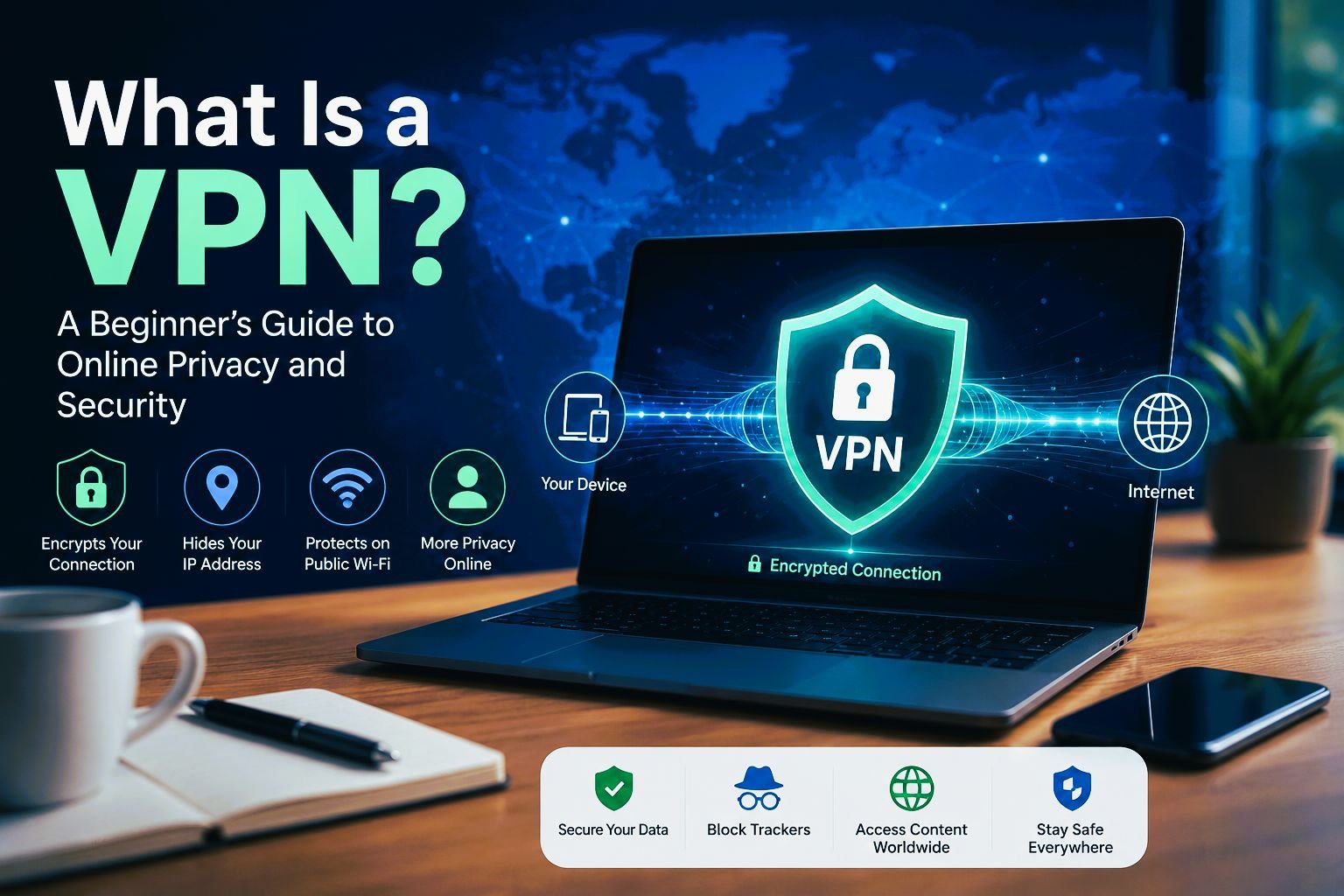
A password manager protects your accounts, but it does not protect your internet connection. For privacy on public networks, consider using a VPN.
Frequently Asked Questions
What percentage of people use password managers?
According to Security.org, approximately 34% of adults in the United States used password managers in 2024. Global usage rates are generally estimated to be between 20% and 30%.
Do password managers generate a new password every time you log in?
No. Once a password manager generates and saves a password, it remains the same until you choose to change it.
Can I view the passwords generated by a password manager?
Yes. Users can view, edit, copy, or replace generated passwords whenever necessary.
Why is creating your own password not recommended?
People often create passwords using familiar names, words, or patterns that hackers may be able to guess or crack using automated tools.
Password managers generate highly random and complex passwords that are significantly harder to crack.
Are password managers safer than traditional passwords?
Yes. Password managers are generally much safer than writing passwords down or reusing the same password across multiple accounts.
They improve security by:
– Generating unique passwords
– Encrypting credentials securely
– Reducing password reuse
– Helping prevent phishing attacks
– Supporting Two-Factor Authentication (2FA)